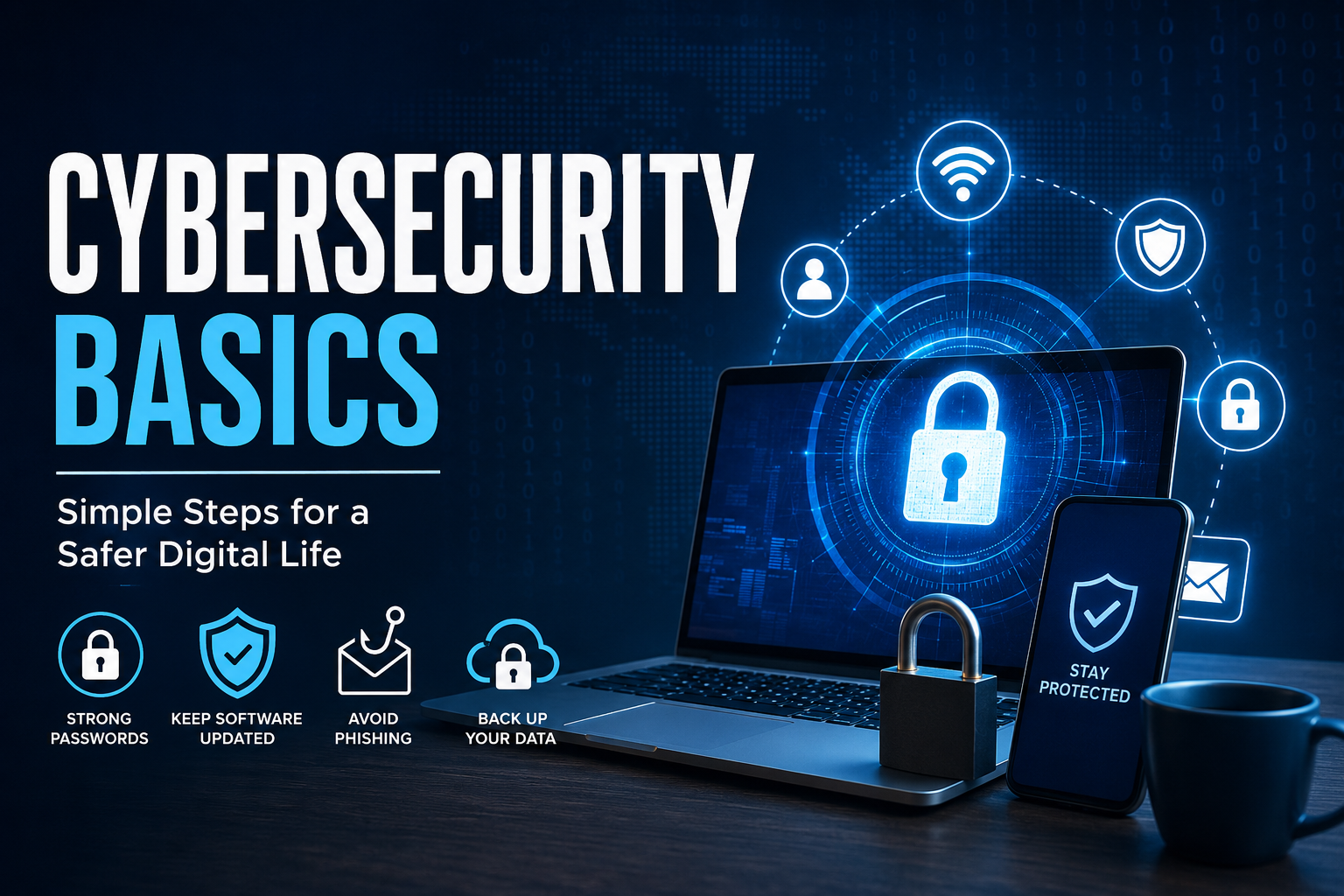
In today’s connected world, protecting personal and business information has never been more important. As cyber threats continue to evolve in 2026, understanding Cybersecurity Basics is essential for anyone who uses the internet. Whether you’re shopping online, working remotely, managing financial accounts, or simply browsing websites, cybercriminals are constantly looking for opportunities to steal sensitive information.
The good news is that staying secure doesn’t require advanced technical knowledge. By learning a few essential security practices and using trusted tools, you can significantly reduce your risk of becoming a victim of cybercrime. This guide explains the most important cybersecurity concepts in simple language, making it easy for beginners to build safer online habits.
What Are Cybersecurity Basics?
Cybersecurity Basics refer to the fundamental practices used to protect computers, smartphones, networks, online accounts, and personal information from digital threats. These security measures help prevent unauthorized access, identity theft, financial fraud, malware infections, and data breaches.
Cybersecurity isn’t only for large companies. Every internet user has valuable information worth protecting, including passwords, banking details, personal photos, emails, and social media accounts.
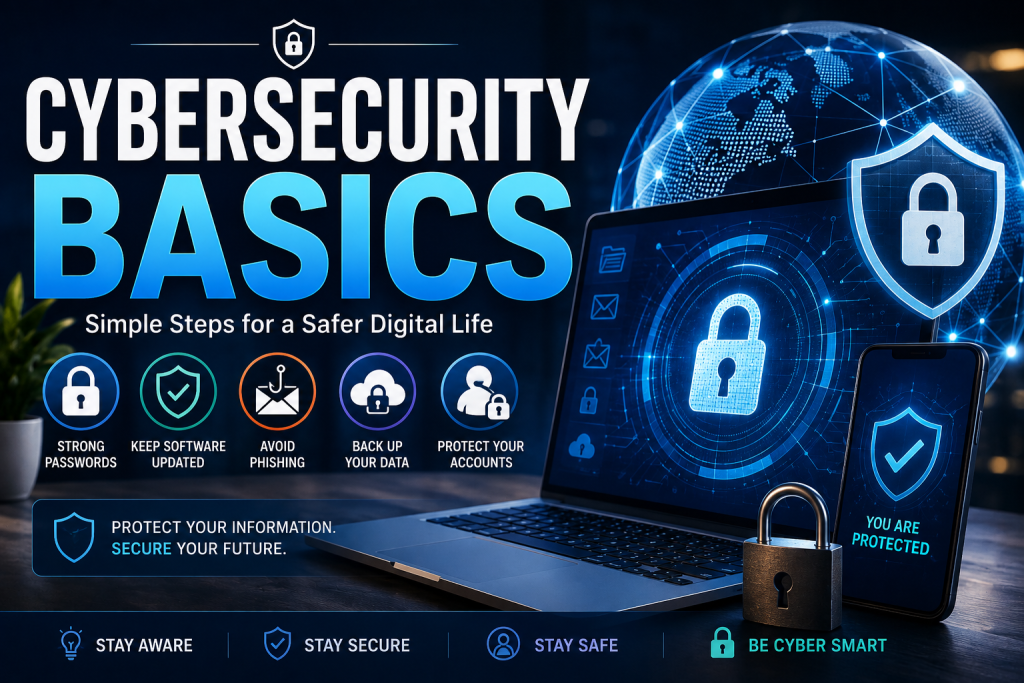
Why Cybersecurity Matters More in 2026
Technology continues to improve, but cybercriminals are also becoming more sophisticated. Artificial intelligence, automation, and advanced phishing attacks have made online scams harder to detect.
Common cyber risks include:
- Identity theft
- Ransomware attacks
- Phishing emails
- Password theft
- Fake shopping websites
- Financial fraud
- Social media account hacking
Understanding these threats helps you recognize suspicious activity before it causes serious damage.
Common Cyber Threats Everyone Should Know
1. Phishing Scams
Phishing attacks trick users into revealing passwords, banking information, or personal data through fake emails, text messages, or websites.
Warning signs include:
- Urgent requests
- Suspicious links
- Grammar mistakes
- Unexpected attachments
- Requests for confidential information
Always verify the sender before clicking any link.
2. Malware
Malware is harmful software designed to damage devices or steal information.
Examples include:
- Viruses
- Trojans
- Spyware
- Worms
- Ransomware
Installing software only from trusted sources greatly reduces this risk.
3. Weak Passwords
Many security breaches happen because people reuse simple passwords across multiple websites.
Avoid passwords like:
- 123456
- Password
- Qwerty
- Your birthday
Instead, create long passwords using letters, numbers, and special characters.
4. Public Wi-Fi Risks
Free Wi-Fi networks in airports, hotels, or coffee shops may not be secure.
Avoid accessing:
- Banking accounts
- Payment services
- Business systems
- Sensitive documents
A Virtual Private Network (VPN) provides additional protection when using public networks.
Essential Cybersecurity Tips
Learning Cybersecurity Basics means developing safe digital habits.
Use Multi-Factor Authentication (MFA)
MFA adds another verification step beyond your password, making accounts much harder to compromise.
Examples include:
- Authentication apps
- Security keys
- One-time verification codes
- Biometrics
Keep Software Updated
Software updates often fix security vulnerabilities.
Always update:
- Operating systems
- Browsers
- Mobile apps
- Antivirus software
- Smart devices
Enable automatic updates whenever possible.
Back Up Important Files
Data backups protect you against ransomware, accidental deletion, and hardware failures.
Recommended backup methods:
- External hard drives
- Cloud storage
- Automated backup services
Following the 3-2-1 backup rule is considered a best practice.
Install Reliable Security Software
Modern security software helps detect:
- Malware
- Suspicious downloads
- Dangerous websites
- Email threats
Choose a reputable security solution and keep it updated.
Safe Online Shopping Practices
Online shopping continues to grow every year, making shoppers attractive targets.
Stay protected by:
- Shopping on secure websites (HTTPS)
- Using trusted payment methods
- Avoiding deals that seem too good to be true
- Checking seller reviews
- Monitoring bank statements regularly
Never save payment information on unfamiliar websites.
Social Media Security
Social media accounts often contain valuable personal information.
Protect your profiles by:
- Limiting public information
- Reviewing privacy settings
- Avoiding suspicious friend requests
- Not sharing verification codes
- Watching for fake accounts
Think carefully before posting personal details that could help someone answer security questions.
Email Security Best Practices
Email remains one of the most common attack methods.
Follow these guidelines:
- Don’t open unexpected attachments.
- Verify unfamiliar senders.
- Avoid clicking shortened links without checking the destination.
- Report phishing attempts.
- Delete suspicious messages immediately.
Even messages that appear to come from trusted organizations should be verified if they request sensitive information.
Protecting Smart Devices
Homes now contain many internet-connected devices, including:
- Smart TVs
- Security cameras
- Smart speakers
- Doorbells
- Home assistants
Secure these devices by:
- Changing default passwords
- Updating firmware
- Disabling unused features
- Using secure Wi-Fi encryption
Every connected device can become a potential entry point if left unsecured.
Cybersecurity for Families
Parents can improve household digital safety by:
- Teaching children about online scams
- Using parental controls
- Setting screen time limits
- Monitoring downloads
- Encouraging strong passwords
Education remains one of the strongest defenses against cyber threats.
The Future of Online Security
Cybersecurity will continue evolving alongside artificial intelligence, cloud computing, connected devices, and digital services. While attackers develop new techniques, security technologies are also becoming smarter at detecting unusual activity before damage occurs.
The most effective protection combines technology with informed users who practice safe online behavior every day.
Conclusion
Understanding Cybersecurity Basics is no longer optional—it’s an essential life skill in 2026. Small actions such as creating strong passwords, enabling multi-factor authentication, updating software, recognizing phishing attempts, and backing up important files can dramatically improve your online safety.
Cyber threats may continue to evolve, but staying informed and adopting smart digital habits helps protect your personal information, finances, and devices. By making cybersecurity part of your daily routine, you can confidently navigate the digital world while reducing the risk of becoming a target of online attacks.
Leave a Reply