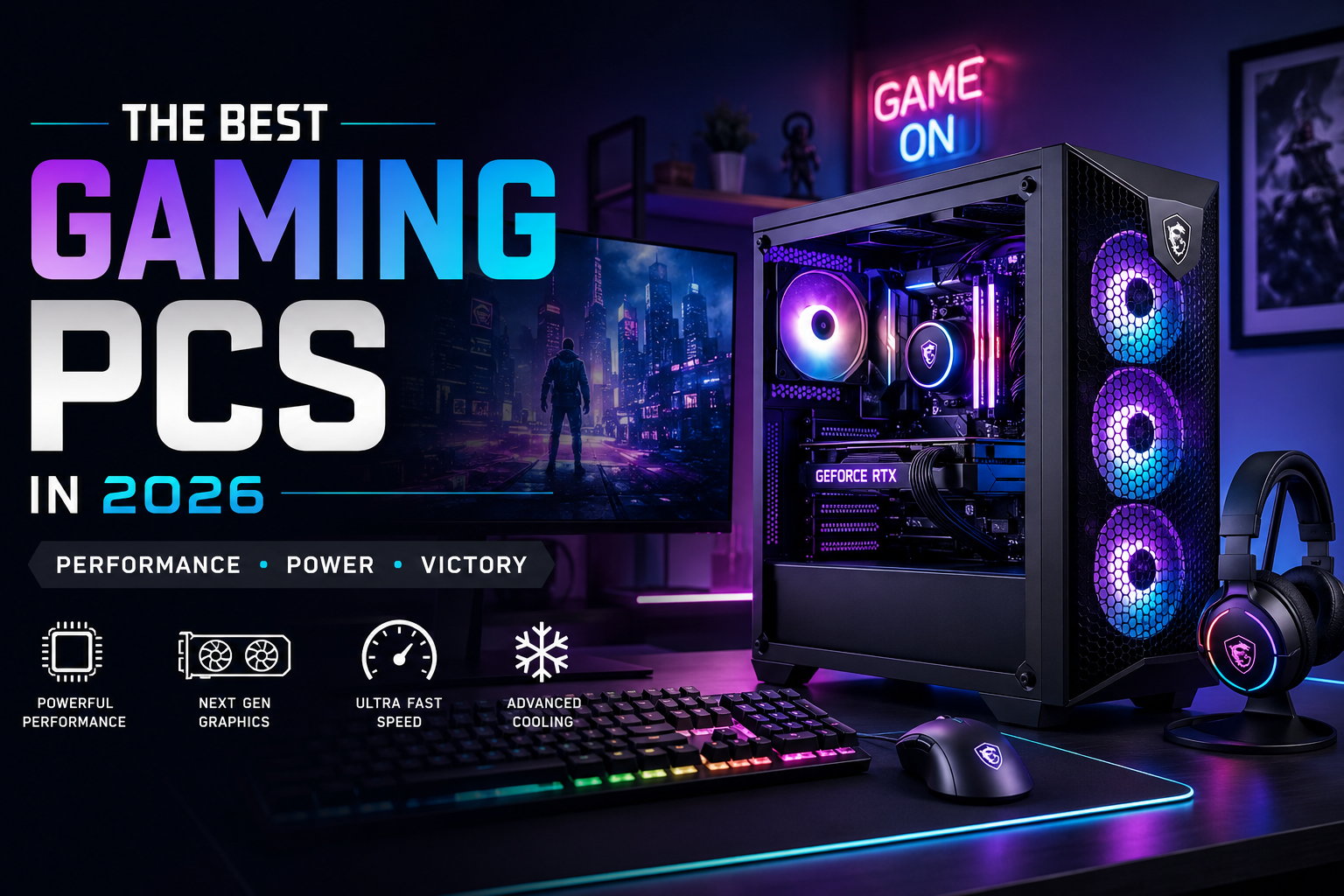
Gaming PCs continue to evolve every year, offering faster performance, realistic graphics, and smoother gameplay than ever before. Whether you enjoy competitive multiplayer games, immersive open-world adventures, or content creation alongside gaming, choosing the right system can make a huge difference.
This guide explains everything beginners and experienced gamers need to know before buying a new computer. From hardware components to performance tips, you’ll learn how to choose the right setup without overspending.
Why Gaming PCs Are Worth Buying in 2026
Modern games demand powerful hardware that delivers high frame rates, fast loading times, and detailed visuals. A quality desktop provides better cooling, upgrade flexibility, and long-term value compared to many other gaming devices.
Today’s systems also support:
- Ray tracing for realistic lighting
- AI-powered performance improvements
- High refresh rate gaming
- Faster SSD storage
- Streaming and content creation
- Virtual reality compatibility
These improvements make modern computers a smart investment for anyone who wants the best gaming experience.
What Makes a Great Gaming PC?
Before purchasing a Gaming PCs system, understand the hardware that affects performance.
Processor (CPU)
The processor handles game calculations, background applications, and multitasking. A modern multi-core processor ensures smooth gameplay even while streaming or recording.
Look for:
- At least 6 cores
- High clock speeds
- Latest generation architecture
Graphics Card (GPU)
The graphics card is the most important component in Gaming PCs. It determines visual quality, frame rates, and resolution.
A powerful GPU allows you to enjoy:
- 1080p ultra settings
- 1440p high refresh gaming
- 4K gaming
- Ray tracing
- AI frame generation
Investing in a strong graphics card provides the biggest improvement in gaming performance.
Memory (RAM)
Most gamers should choose:
- 16GB for everyday gaming
- 32GB for streaming and multitasking
Faster RAM also improves loading speeds in many modern games.
Storage
Solid State Drives (SSD) dramatically reduce loading times.
Recommended:
- 1TB NVMe SSD minimum
- 2TB if you install many games
Traditional hard drives are useful only for storing large media files.
Cooling System
Powerful hardware generates heat.
Choose systems with:
- Multiple case fans
- Large air coolers
- Liquid cooling for high-end builds
- Proper airflow
Good cooling keeps performance consistent during long gaming sessions.
Best Features to Look for in Gaming PCs
When comparing different systems, prioritize these features:
- Latest graphics technology
- DDR5 memory
- PCIe Gen 5 support
- Wi-Fi 7 compatibility
- USB-C connectivity
- Fast NVMe SSD
- Reliable power supply
- Easy upgrade options
These features help your computer remain useful for several years.
Choosing the Right Gaming PC for Your Budget
Entry-Level
Ideal for:
- Casual gamers
- Popular online games
- Full HD gaming
Mid-Range
Perfect for:
- High settings
- Competitive gaming
- Streaming
- Video editing
High-End
Designed for:
- 4K gaming
- Professional streaming
- VR gaming
- Heavy multitasking
- Content creation
Choose the category that matches your gaming habits rather than buying unnecessary hardware.
Desktop vs. Laptop
Many people compare desktops with gaming laptops before purchasing.
Desktop advantages include:
- Better cooling
- Easier upgrades
- Higher performance
- Longer lifespan
- Better price-to-performance ratio
Gaming laptops offer portability, but desktops generally deliver greater value for serious gamers.
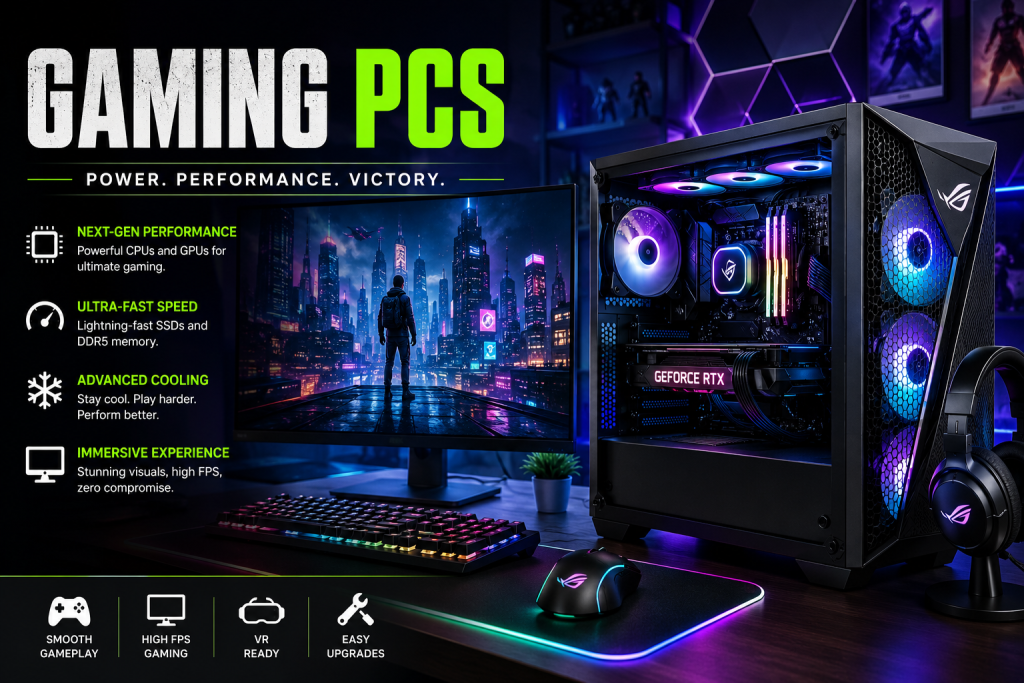
Common Mistakes Buyers Should Avoid
Many first-time buyers spend money on features they don’t need.
Avoid these mistakes:
- Buying too little storage
- Ignoring power supply quality
- Choosing poor airflow cases
- Purchasing outdated hardware
- Paying extra only for RGB lighting
- Forgetting future upgrade options
Planning ahead can save money over the life of your system.
Should You Build or Buy?
Both options have benefits.
Build Your Own
Advantages:
- Better component selection
- Easier future upgrades
- Potential cost savings
- Complete customization
Buy a Prebuilt System
Advantages:
- Ready to use
- Warranty included
- Professional cable management
- Technical support
Beginners often prefer prebuilt computers, while experienced users may enjoy assembling their own systems.
Tips to Improve Gaming Performance
Even powerful hardware benefits from proper optimization.
Follow these tips:
- Update graphics drivers regularly.
- Install games on an SSD.
- Close unnecessary background applications.
- Keep Windows updated.
- Clean dust from the computer every few months.
- Enable performance mode where appropriate.
- Maintain proper cooling and airflow.
Small improvements can noticeably increase frame rates and system stability.
Are Gaming PCs Good for More Than Gaming?
Absolutely.
Besides Gaming PCs, they are excellent for:
- Video editing
- Graphic design
- 3D rendering
- Programming
- Live streaming
- Music production
- AI workloads
A high-performance computer can easily handle demanding professional tasks alongside entertainment.
Final Thoughts
Choosing the right Gaming PCs depends on your budget, gaming style, and future needs. Prioritize a capable graphics card, modern processor, sufficient RAM, and fast SSD storage rather than cosmetic features. A well-balanced system delivers smoother gameplay, supports future upgrades, and remains reliable for years.
Whether you’re entering competitive esports, exploring massive open-world titles, or creating content, investing in quality hardware ensures an enjoyable experience. By understanding the essential components and avoiding common buying mistakes, you’ll be better prepared to select a computer that offers excellent performance and lasting value throughout 2026 and beyond.
Leave a Reply