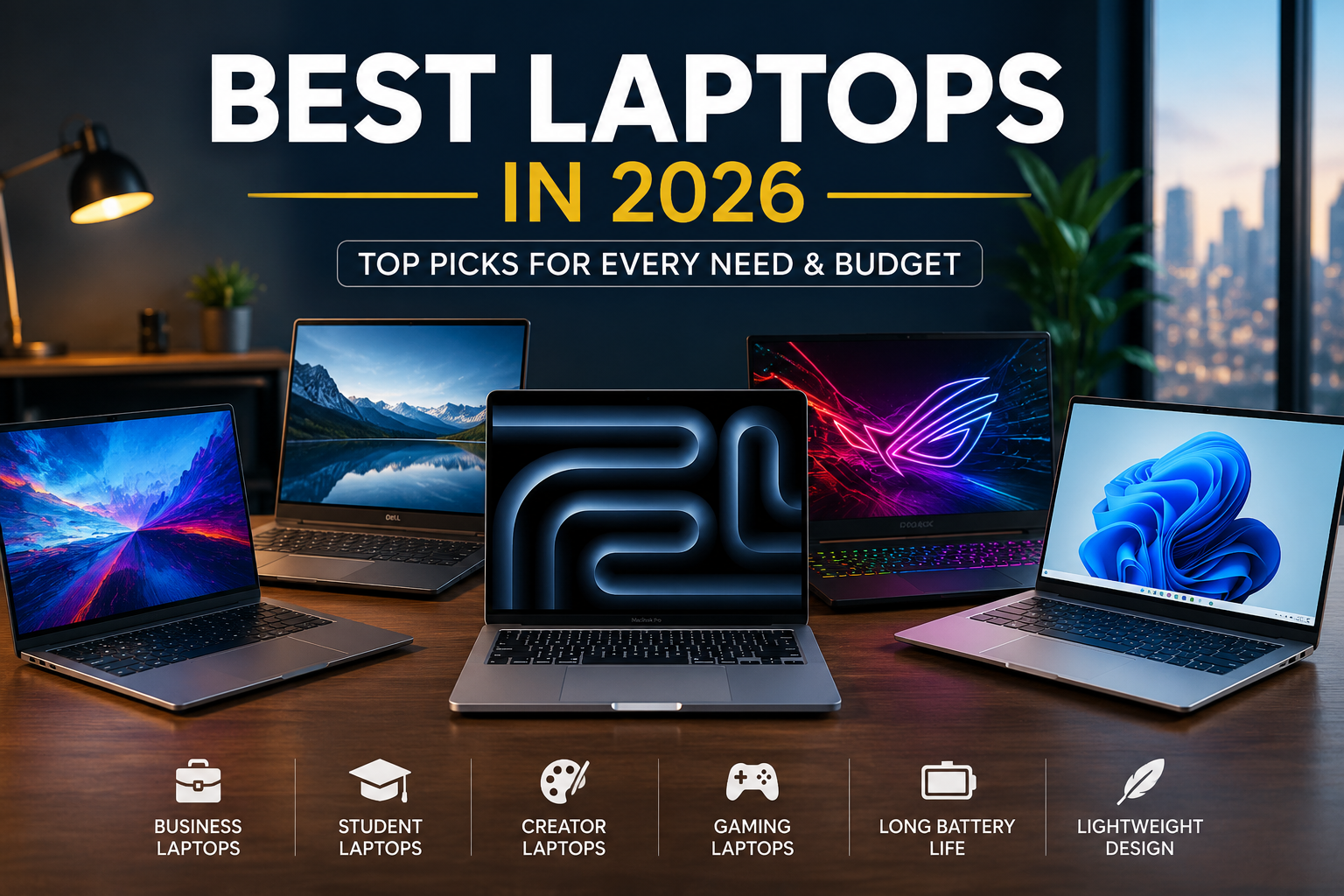
Finding the Best Laptops in 2026 is easier than ever, but choosing the right one still depends on how you plan to use it. Whether you’re working remotely, studying, creating content, gaming, or simply browsing the web, today’s laptops offer impressive speed, battery life, and portability.
With new processors, AI-powered features, brighter displays, and longer-lasting batteries, manufacturers have introduced devices that deliver outstanding performance without compromising on design. This guide highlights the top laptop categories, key features to consider, and practical buying advice to help you make a smart investment.
Why Laptop Technology Is Better in 2026
Modern laptops are becoming faster, lighter, and more energy efficient. Thanks to next-generation processors and AI-powered software optimization, users can enjoy smoother multitasking, improved battery management, and better security features.
Many premium models now include:
- AI-assisted productivity tools
- OLED or Mini-LED displays
- Wi-Fi 7 support
- All-day battery life
- Faster SSD storage
- Improved webcams for video calls
- Better cooling systems
These upgrades make today’s laptops suitable for both professional and personal use.
Best Laptops for Everyday Productivity
If your daily tasks include web browsing, email, office work, streaming, and video conferencing, you don’t need the most expensive machine.
Look for:
- Intel Core Ultra or AMD Ryzen AI processors
- At least 16GB RAM
- 512GB SSD storage
- Full HD or higher display
- Battery life of 10 hours or more
These specifications provide fast performance while keeping costs reasonable.
Best Laptops for Students
Students need portability, durability, and long battery life. A lightweight laptop that fits easily into a backpack is often the ideal choice.
Important features include:
- Weight under 3.5 pounds
- Comfortable keyboard
- Reliable webcam
- USB-C charging
- Fast SSD storage
- Excellent battery life
A balanced combination of performance and affordability helps students complete assignments, attend online classes, and collaborate efficiently.
Best Laptops for Business Professionals
Business users often prioritize reliability, security, and productivity.
The ideal business laptop should include:
- Fingerprint reader or facial recognition
- High-quality webcam
- Strong build quality
- Multiple connectivity options
- Long software support
- Comfortable keyboard for extended typing
Many premium business laptops also feature AI-powered meeting enhancements such as background noise reduction and automatic camera framing.
Best Laptops for Content Creators
Video editors, photographers, designers, and creative professionals require more powerful hardware.
Recommended specifications include:
- Dedicated graphics card
- Color-accurate display
- 32GB RAM or higher
- 1TB SSD storage
- Powerful multi-core processor
High-resolution displays with wide color coverage allow creators to edit photos and videos with greater accuracy.
Best Laptops for Gaming
Gaming laptops continue to improve with faster graphics, higher refresh-rate displays, and better thermal management.
Key gaming features include:
- NVIDIA RTX graphics
- AMD Radeon graphics
- 144Hz or higher display
- Advanced cooling system
- Fast NVMe SSD
- High-performance processor
These components deliver smoother gameplay, quicker loading times, and better overall gaming performance.
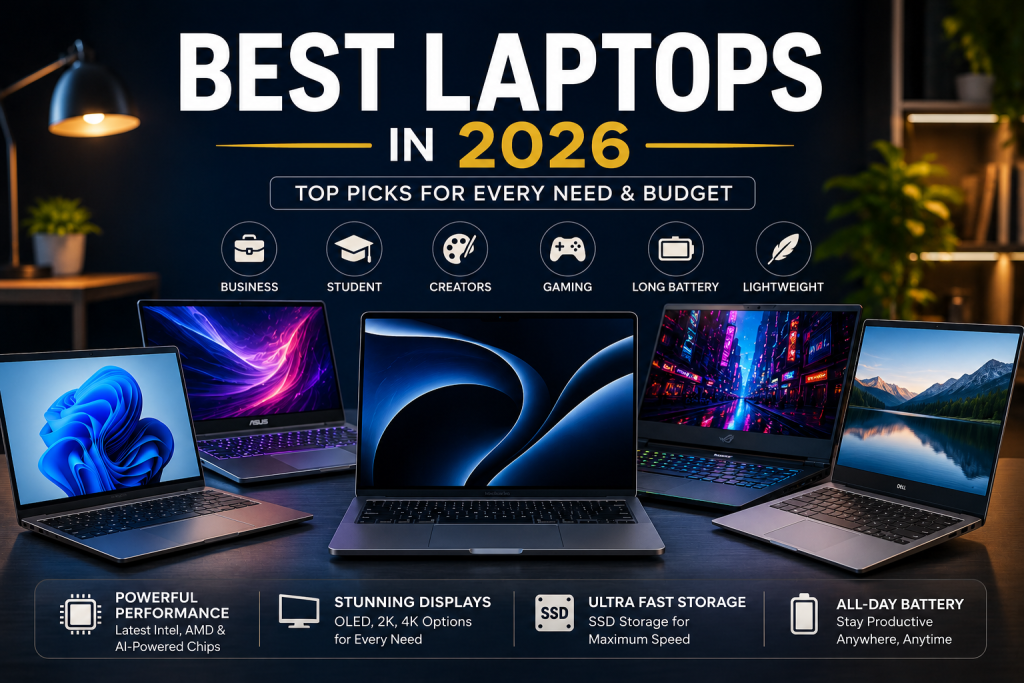
Battery Life Matters More Than Ever
Battery performance has become one of the biggest deciding factors when purchasing a laptop.
Many modern devices now offer:
- 12–18 hours of battery life
- Fast charging
- Better power efficiency
- Intelligent battery optimization
Long battery life reduces the need to carry chargers throughout the day.
Display Quality Makes a Big Difference
The display affects nearly every part of the user experience.
When comparing laptops, consider:
- OLED displays
- IPS panels
- 2K or 4K resolution
- Anti-glare coating
- High brightness
- Accurate colors
A quality display improves productivity, entertainment, and creative work.
Storage and Memory Recommendations
Storage and RAM significantly impact overall performance.
For most users:
- 16GB RAM is the new standard.
- 512GB SSD offers enough storage.
- 1TB SSD is ideal for creators and gamers.
- Avoid traditional hard drives whenever possible.
Solid-state drives boot faster and load applications much more quickly than older storage technologies.
AI Features in Modern Laptops
Artificial intelligence has become one of the biggest trends in personal computing.
Many new laptops now include:
- AI-powered photo editing
- Live caption generation
- Voice enhancement
- Background blur
- Automatic performance optimization
- Smart battery management
These features improve productivity while reducing manual work.
How to Choose the Right Laptop
Before buying, ask yourself:
- What will you primarily use it for?
- Do you travel frequently?
- Do you need dedicated graphics?
- How important is battery life?
- What’s your budget?
- How much storage do you need?
Answering these questions helps narrow your options and prevents overspending.
Common Mistakes to Avoid
Many buyers purchase laptops based only on price.
Avoid these mistakes:
- Buying with only 8GB RAM
- Ignoring battery life
- Choosing outdated processors
- Overlooking display quality
- Purchasing insufficient storage
- Forgetting future upgrade needs
Spending slightly more today can extend the useful life of your laptop for several years.
Final Thoughts
Choosing the Best Laptops in 2026 comes down to balancing performance, battery life, portability, and value. The latest models offer significant improvements in speed, efficiency, and AI-powered features, making them excellent choices for students, professionals, gamers, and creators alike.
Instead of focusing solely on brand names, compare specifications, display quality, battery performance, and long-term reliability. A well-chosen laptop will remain productive for years and provide a better overall experience for work, entertainment, and everyday computing.
FAQ
Which laptop is best in 2026?
The best option depends on your needs. Professionals, students, gamers, and creators all benefit from different hardware configurations.
How much RAM should a laptop have?
For most users, 16GB RAM provides excellent performance, while creative professionals may benefit from 32GB or more.
Is SSD better than HDD?
Yes. SSDs are significantly faster, quieter, and more reliable than traditional hard drives.
How long should a laptop battery last?
A good modern laptop should deliver at least 10–12 hours of real-world battery life.
Should I buy a laptop with AI features?
AI-powered features improve productivity, video calls, battery optimization, and overall user experience, making them a valuable addition.
Leave a Reply