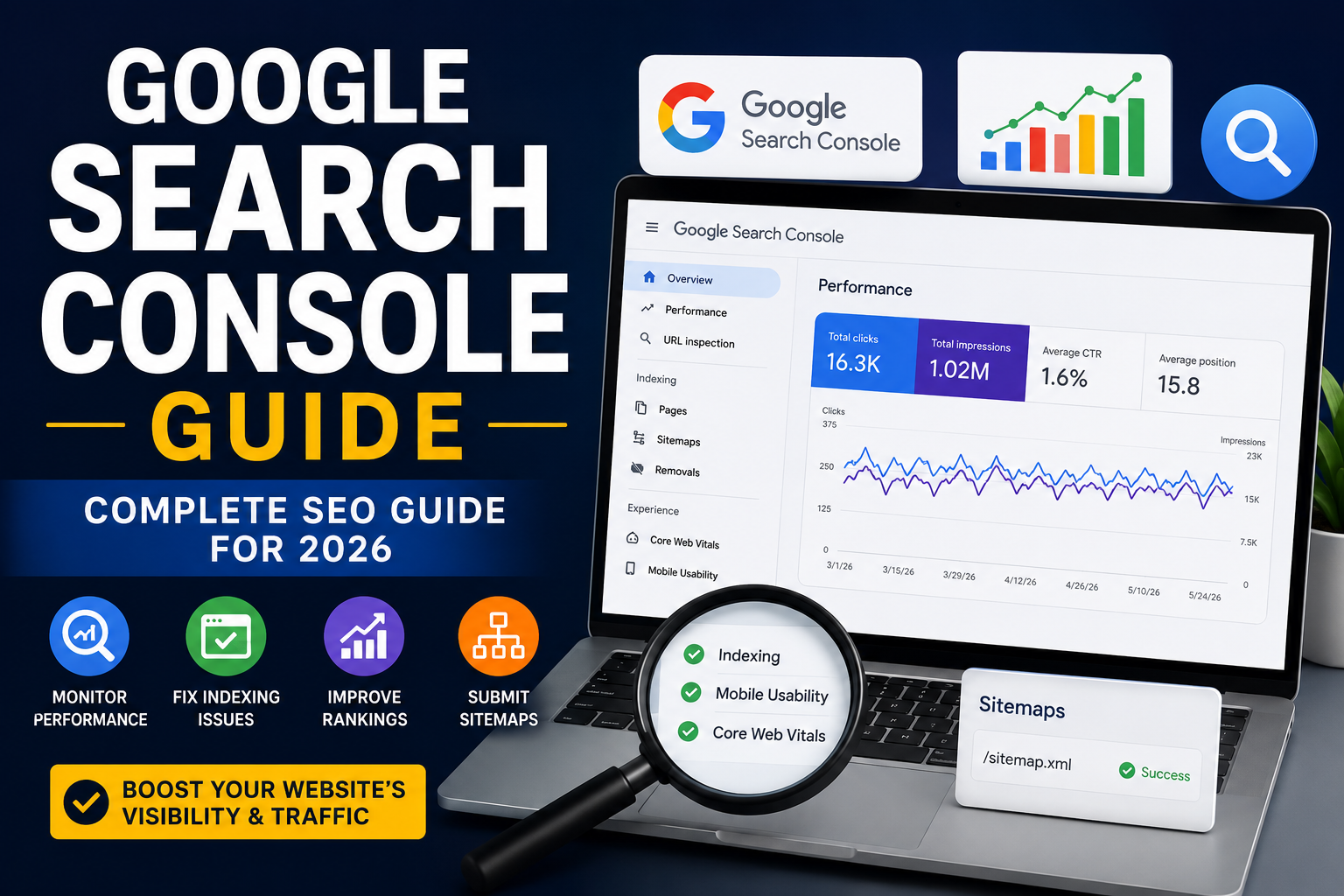
If you want to understand how your website performs in Google Search and find opportunities to increase organic traffic, Google Search Console is one of the most valuable free tools available. It helps website owners, bloggers, marketers, and SEO professionals monitor search visibility, identify technical problems, analyze keywords, and understand how visitors discover their content.
This Google Search Console Guide explains how the platform works, which reports matter most, and how to use its data to build a stronger SEO strategy in 2026.
What Is Google Search Console?
Google Search Console Guide is a free service from Google that helps website owners monitor and troubleshoot their presence in Google Search results.
Unlike traditional analytics platforms that mainly show what visitors do after reaching your website, Search Console provides information about how your pages perform before and during the search journey.
You can use it to discover:
- Which search queries generate impressions
- Which pages receive organic clicks
- Your average position in search results
- Your click-through rate (CTR)
- Indexing problems
- Mobile usability issues
- Core Web Vitals performance
- Sitemap and crawling information
- Security and manual-action problems
For anyone serious about search engine optimization, this information can help turn SEO decisions from guesses into data-driven actions.
Why Google Search Console Matters for SEO
Google Search Console Guide gives you direct insight into how Google understands and displays your website.
For example, you may discover that a page receives thousands of impressions but very few clicks. This could indicate that your title or meta description needs improvement.
You may also find pages ranking on the second page for valuable search terms. Improving their content, internal links, structure, and search intent alignment could help move them closer to the top results.
The platform is especially useful for:
- Keyword research
- Organic traffic optimization
- Content optimization
- Technical SEO
- Indexing management
- Finding ranking opportunities
- Monitoring website performance
How to Set Up Google Search Console
Getting started is relatively simple.
First, visit Google Search Console Guide and add your website as a property. You can generally choose between a Domain property and a URL-prefix property.
A Domain property provides broader coverage across your domain, while a URL-prefix property focuses on a specific URL structure.
After adding your property, Google requires verification. Depending on your setup, verification can be completed through methods such as DNS records, an HTML file, an HTML tag, or supported verification services.
Once verification is complete, give Google time to collect performance data.
Understanding the Performance Report
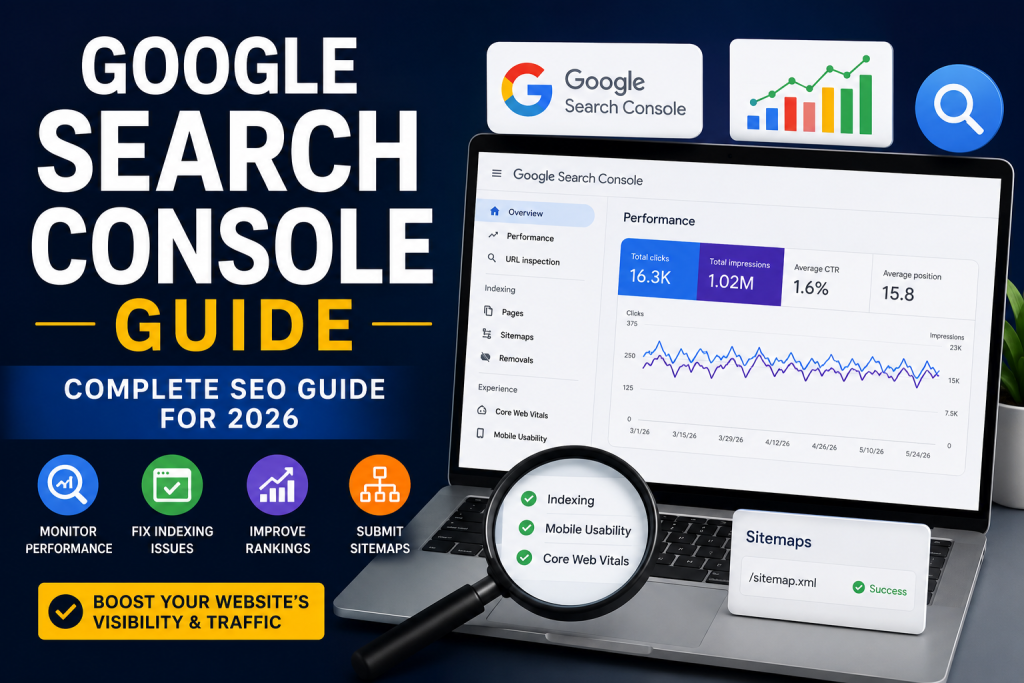
The Performance report is one of the most useful sections for SEO analysis.
It provides four important metrics:
1. Total Clicks
Clicks show how many times users selected your website from Google Search Console Guide
2. Total Impressions
Impressions represent how often your website appeared in search results.
3. Average CTR
Click-through rate measures the percentage of impressions that resulted in clicks.
4. Average Position
Average position gives you an estimate of where your website appeared for tracked searches.
You can also analyze performance by queries, pages, countries, devices, and search appearance.
This makes the report extremely useful for finding content that has potential but is not receiving enough traffic.
How to Find New Keyword Opportunities
One of the smartest ways Google Search Console Guide to use this platform is to analyze queries for which your pages already appear.
Look for keywords where your page has:
- High impressions
- A relatively low CTR
- Positions around the first or second page
- Strong relevance to the page topic
These terms can reveal opportunities that traditional keyword research tools may overlook.
For example, a page ranking around positions 8–20 may already have enough relevance to compete for more visibility. You can improve the page by answering related questions, expanding useful sections, improving headings, strengthening internal links, and better matching search intent.
The Indexing Report
The Pages or Indexing report helps you understand which URLs Google has indexed and which ones have problems.
Common indexing issues include:
- Crawled but currently not indexed
- Discovered but currently not indexed
- Server errors
- Redirect errors
- Duplicate pages
- Pages blocked by robots.txt
- Incorrect canonical URLs
Not every excluded page is a problem. Some URLs should intentionally remain outside Google’s index.
The important task is identifying exclusions that affect valuable pages.
Using URL Inspection
The URL Inspection tool allows you to check an individual page and see whether Google Search Console Guide can access and index it.
It can help you determine whether a URL:
- Is indexed
- Can be indexed
- Has a canonical URL
- Has crawling issues
- Has structured-data information
- Was recently crawled
After publishing or significantly updating an important page, you can use URL Inspection to request indexing.
However, requesting indexing does not guarantee immediate inclusion or a particular ranking.
Improve Core Web Vitals
Website experience remains an important part of modern SEO.
Google Search Console Guide provides Core Web Vitals information based on real-world user experience data where sufficient data is available.
The main metrics include:
- LCP: Measures loading performance
- INP: Measures interaction responsiveness
- CLS: Measures visual stability
Improving these areas can create a better experience for visitors and support overall website quality.
Compressing large images, reducing unnecessary scripts, improving server response times, and using efficient web development practices can help improve performance.
Submit an XML Sitemap
An XML sitemap helps search engines discover important URLs on your website.
If your website has many pages, frequently publishes new content, or contains complex navigation, maintaining a clean sitemap can be particularly helpful.
Submit your sitemap through the Sitemaps section and monitor whether Google can successfully process it.
Remember that a sitemap helps discovery; it does not guarantee that every submitted URL will be indexed.
Common SEO Mistakes to Avoid
When using Google Search Console Guide, avoid focusing exclusively on rankings.
A page ranking at position three may generate more traffic than a page ranking at position one for another keyword because search volume, intent, CTR, and competition can vary significantly.
Also avoid:
- Obsessing over daily ranking changes
- Trying to index every URL
- Ignoring technical errors
- Stuffing keywords into content
- Removing pages solely because they have low traffic
- Making major SEO changes without analyzing data
SEO is a long-term process, and Search Console becomes more valuable when you compare trends over time.
Best Way to Use Google Search Console in 2026
The most effective approach is to combine Google Search Console Guide data with high-quality content and a strong technical SEO foundation.
Start by reviewing your top pages and queries every month. Identify pages with high impressions but low CTR, keywords where you are close to page one, and URLs experiencing indexing or performance problems.
Then prioritize improvements based on business value rather than simply chasing the highest search volume.
Final Thoughts
A well-managed website needs more than good content. You also need to understand how search engines discover, index, and display your pages.
This Google Search Console Guide provides a practical starting point for monitoring search performance, discovering keyword opportunities, fixing indexing problems, improving technical SEO, and making smarter content decisions.
When you consistently analyze your data and improve pages based on real search behavior, Search Console can become an essential part of your SEO workflow throughout 2026 and beyond.