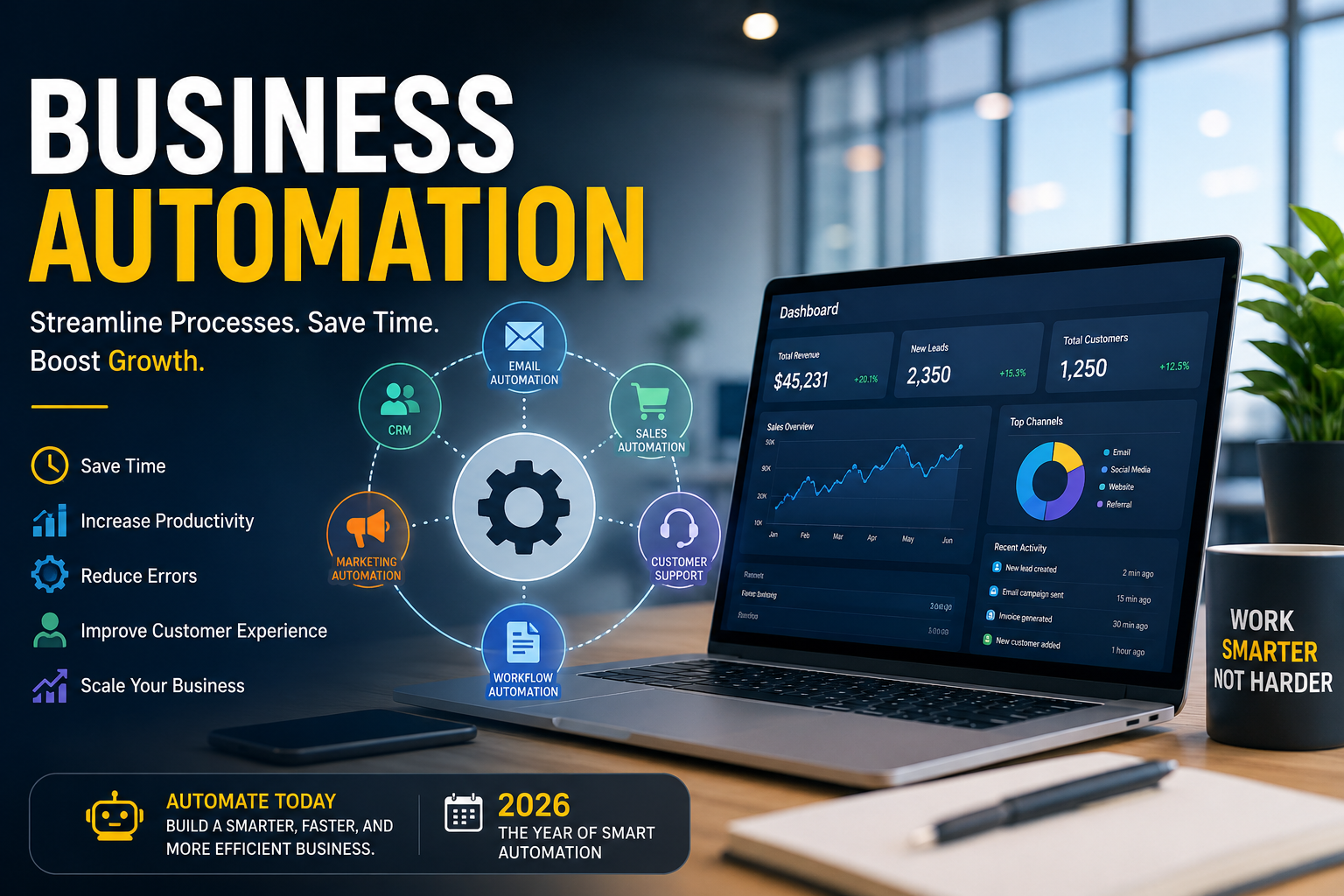
Running a modern business requires more than hard work. Teams need to manage customers, sales, marketing, finances, communication, and daily operations while maintaining accuracy and speed. This is where business automation can make a major difference.
By using software and automated workflows, businesses can reduce repetitive tasks, improve productivity, and give employees more time to focus on meaningful work. In 2026, automation is becoming an important strategy for companies that want to operate efficiently and scale without unnecessarily increasing their workload.
What Is Business Automation?
Business automation is the use of software, technology, and predefined workflows to complete repetitive business tasks with minimal manual involvement.
Instead of asking employees to perform the same tasks repeatedly, companies can create automated processes that handle activities such as:
- Sending emails and notifications
- Managing customer information
- Processing invoices
- Scheduling appointments
- Following up with leads
- Generating reports
- Updating spreadsheets and databases
- Managing marketing campaigns
- Tracking sales activities
The goal is not simply to replace manual work. Effective automation helps employees spend less time on repetitive processes and more time on strategy, creativity, customer relationships, and growth.
Why Business Automation Matters in 2026
Companies are dealing with increasing customer expectations, large amounts of data, and faster competition. Manual processes can create delays and increase the possibility of human error.
Business automation helps solve these challenges by creating consistent and repeatable workflows.
For example, when someone submits a contact form, an automated workflow can immediately add the information to a CRM, send a confirmation email, notify the sales team, and schedule a follow-up task.
This saves time while creating a smoother customer experience.
Key Benefits of Business Automation
1. Save Time
One of the biggest advantages of automation is reducing repetitive work. Employees can avoid spending hours performing simple administrative tasks.
Automated workflows can handle recurring activities continuously, allowing teams to concentrate on higher-value responsibilities.
2. Increase Productivity
Automation allows businesses to accomplish more without adding the same amount of manual effort.
When routine tasks are handled automatically, employees can dedicate more attention to sales, customer service, product development, and business strategy.
3. Reduce Human Errors
Manual data entry and repetitive processes can lead to mistakes. Automated systems follow predefined instructions consistently.
This can improve accuracy in areas such as billing, reporting, customer records, and data management.
4. Improve Customer Experience
Customers expect quick responses and reliable service. Automated systems can send instant confirmations, reminders, updates, and follow-ups.
A faster response can make a business appear more organized and professional.
5. Support Business Growth
As a company grows, manual processes can become increasingly difficult to manage. Automation creates scalable workflows that can support larger numbers of customers and transactions.
This makes it easier to grow operations without creating unnecessary administrative work.
Common Types of Business Automation
Automation can be applied to almost every department.
Marketing Automation
Marketing teams can automate email campaigns, lead nurturing, customer segmentation, social media workflows, and campaign reporting.
For example, a new subscriber can automatically receive a welcome email followed by a sequence of relevant messages.
Sales Automation
Sales automation can help teams manage leads, schedule follow-ups, update CRM records, and track sales pipelines.
This reduces the chance of losing potential customers because of missed follow-ups.
Customer Service Automation
Businesses can automate appointment reminders, frequently asked questions, ticket notifications, and basic customer communications.
Chatbots and AI-powered tools can also help answer common questions before a customer needs human assistance.
Finance Automation
Financial workflows can automate invoicing, payment reminders, expense tracking, and recurring financial reports.
This can help reduce administrative workload while improving financial organization.
Human Resources Automation
HR departments can automate employee onboarding, document collection, interview scheduling, time-off requests, and internal notifications.
How to Start Business Automation
Implementing automation does not require automating everything at once. A better approach is to start with simple, repetitive processes.
Step 1: Identify Repetitive Tasks
Create a list of activities your team performs regularly. Look for tasks that are predictable, time-consuming, and rule-based.
Step 2: Choose High-Impact Processes
Start with tasks that consume significant time or frequently create errors. Automating these processes can provide faster results.
Step 3: Select the Right Tools
Depending on your needs, you may use CRM platforms, project management software, email marketing systems, accounting applications, AI tools, or workflow automation platforms.
The best technology is the one that fits your existing processes rather than creating unnecessary complexity.
Step 4: Build and Test Workflows
Create a clear workflow with specific triggers and actions. Test the process before making it fully operational.
For example:
Trigger → New customer inquiry → Add to CRM → Send confirmation → Notify sales team → Schedule follow-up
Step 5: Monitor Performance
Automation should be reviewed regularly. Track time saved, errors reduced, response times, conversion rates, and other relevant business metrics.
Business Automation and Artificial Intelligence
Artificial intelligence is making automation more powerful. Traditional automation generally follows predefined rules, while AI can analyze information, generate content, recognize patterns, and assist with decision-making.
Businesses can combine AI with automated workflows to summarize customer conversations, classify leads, draft emails, analyze documents, and provide personalized recommendations.
However, human oversight remains important, particularly when automated systems handle sensitive information or important business decisions.
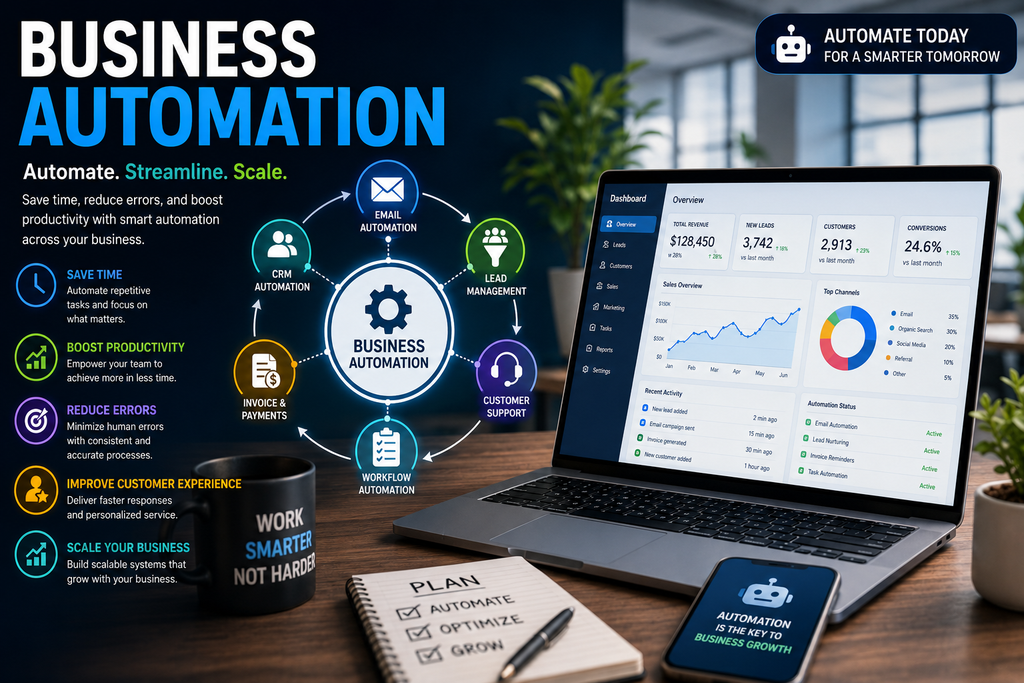
Common Business Automation Mistakes
Automation can create problems when implemented without proper planning.
Common mistakes include:
- Automating inefficient processes
- Using too many disconnected tools
- Ignoring data security
- Failing to train employees
- Creating overly complicated workflows
- Not monitoring automated processes
A simple, well-designed workflow is often more effective than a complicated system with dozens of unnecessary steps.
Final Thoughts
Business automation is becoming a practical strategy for companies that want to save time, improve productivity, and create scalable operations. From marketing and sales to customer service, finance, and HR, automation can reduce repetitive work while helping teams focus on activities that require human judgment.
The best approach is to start small, identify high-value opportunities, choose appropriate technology, and continuously improve your workflows. When implemented strategically, automation can become a powerful foundation for sustainable business growth in 2026 and beyond.