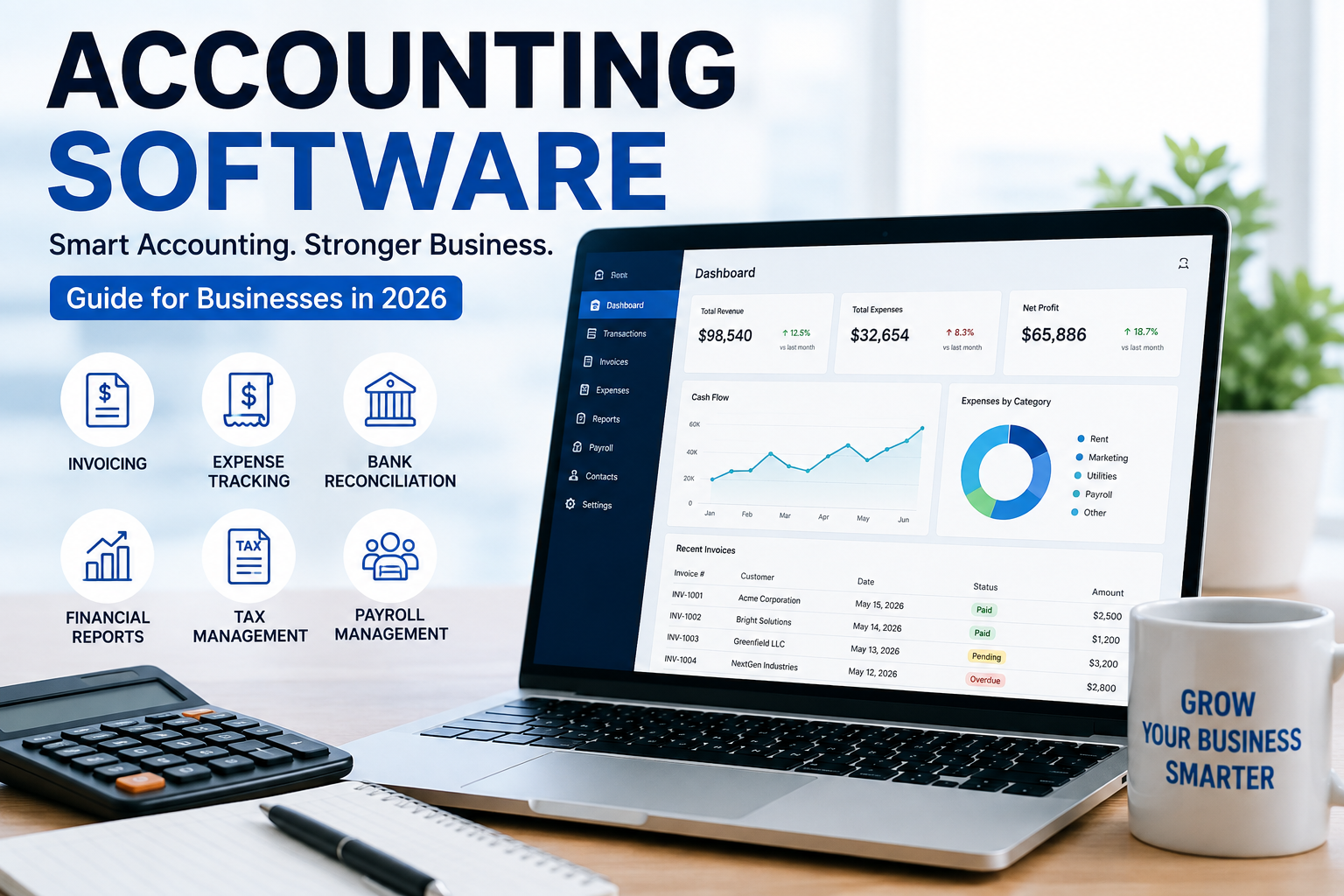
Managing finances is one of the most important responsibilities for any business. From tracking income and expenses to preparing financial reports and managing invoices, accurate bookkeeping can quickly become time-consuming. Accounting software helps businesses simplify these tasks, reduce manual work, and maintain better control over their finances.
In 2026, modern financial tools are becoming increasingly accessible to small businesses, startups, freelancers, and growing companies. The right solution can automate routine bookkeeping while providing valuable insights into cash flow, profitability, and overall financial health.
What Is Accounting Software?
Accounting software is a digital solution designed to help businesses record, organize, and manage financial information. Instead of maintaining spreadsheets or paper records, businesses can use software to automate many everyday financial tasks.
Common capabilities include income and expense tracking, invoicing, bank reconciliation, financial reporting, payroll integration, and tax preparation support.
Cloud-based platforms also allow business owners and accounting professionals to access financial information from different devices, making financial management more convenient.
Why Businesses Need Accounting Software
Keeping accurate financial records is essential for making informed business decisions. Manual bookkeeping can lead to calculation mistakes, duplicated records, missing transactions, and delayed reports.
With accounting software, businesses can centralize financial information and automate repetitive processes. This can save valuable time and allow owners to focus more attention on customers, sales, and growth.
Another important advantage is visibility. Business owners can review revenue, expenses, outstanding invoices, and cash flow without waiting for complicated spreadsheets to be updated.
Key Features to Look For
Not every financial platform offers the same capabilities. Before choosing a solution, consider the features that match your business requirements.
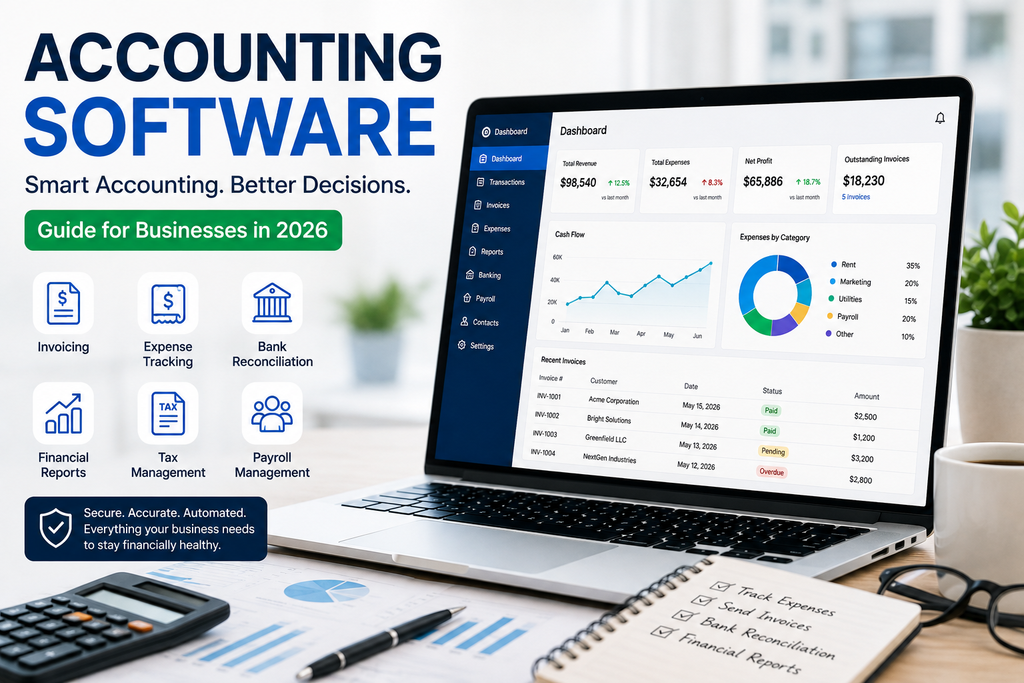
1. Income and Expense Tracking
A reliable system should make it easy to categorize revenue and expenses. Automatic transaction imports can reduce the amount of information that needs to be entered manually.
2. Invoicing
Professional invoicing features allow businesses to create invoices, send them electronically, monitor payment status, and manage overdue balances.
3. Bank Reconciliation
Bank reconciliation helps compare recorded transactions with bank activity. This feature can make it easier to identify discrepancies and maintain accurate financial records.
4. Financial Reporting
Useful reports may include profit and loss statements, balance sheets, cash-flow reports, and expense summaries. These reports help owners understand how the business is performing.
5. Tax Preparation Support
Organized financial records can make tax preparation easier. Some platforms can categorize transactions and generate reports that provide useful information for tax professionals.
6. Payroll Integration
Businesses with employees may benefit from payroll integrations that connect wages, taxes, and related expenses with their financial records.
Benefits for Small Businesses
Small businesses often have limited staff and resources, making efficiency particularly important. A good financial management platform can automate routine bookkeeping tasks and reduce administrative workloads.
For freelancers and independent professionals, automated invoicing and expense tracking can make it easier to maintain organized records. For larger businesses, advanced reporting and integrations can help different departments work with consistent financial information.
The biggest benefit is often better decision-making. When financial data is organized and updated, owners can identify unnecessary expenses, monitor profitability, and plan future investments more confidently.
Cloud-Based Accounting in 2026
Cloud technology continues to change how businesses manage their finances. Cloud-based accounting software stores financial information online rather than requiring businesses to depend entirely on a single computer.
This makes collaboration easier. Business owners, bookkeepers, and accountants can potentially work with the same financial information from different locations, depending on account permissions and platform features.
Security is also an important consideration. Businesses should evaluate encryption, authentication, access controls, backups, and the provider’s overall security practices before choosing a cloud platform.
How to Choose the Right Solution
Choosing the right financial platform starts with understanding your business needs. A freelancer may only need basic invoicing and expense tracking, while a growing company may require payroll connections, inventory management, advanced reporting, and multiple-user access.
Consider these factors before making a decision:
- Business size and industry
- Number of users
- Monthly or annual pricing
- Invoicing requirements
- Bank integration
- Reporting capabilities
- Payroll compatibility
- Tax-related features
- Customer support
- Data security
- Third-party integrations
It is also worth considering how easily the platform can scale. Switching systems later can be disruptive, so selecting a solution that can grow with the business may save time in the long run.
Accounting Software vs. Spreadsheets
Spreadsheets can be useful for simple financial tracking, but they often require significant manual effort. As transaction volumes increase, maintaining formulas, categories, and records becomes more complicated.
Dedicated accounting software can automate many processes and provide structured financial reports. It can also reduce the risk of common spreadsheet problems such as accidental formula changes or inconsistent data entry.
However, software is not a replacement for professional financial advice. Businesses with complex tax situations, multiple entities, or specialized accounting requirements should consider working with a qualified accounting professional.
Is Accounting Software Worth It in 2026?
For many businesses, the answer is yes. Modern solutions can reduce repetitive bookkeeping work, improve financial organization, and provide faster access to important business information.
The best choice depends on your budget, business size, workflow, and required features. Instead of choosing a platform simply because it is popular, compare its capabilities with your actual financial needs.
Final Thoughts
Accounting software has become an important part of modern business financial management. From automated bookkeeping and invoicing to financial reporting and bank reconciliation, the right platform can make everyday financial tasks more manageable.
For businesses planning for 2026 and beyond, investing in an appropriate financial management system can improve organization, save time, and support smarter decisions. Start by identifying your most important accounting tasks, compare available features, and choose a solution that can grow alongside your business.